






Gmail
Every mailbox to Exchange Online and Outlook.
Destination: Exchange Online

 Microsoft PartnerLicensing, Azure and consulting in one place.
 LicensingBusiness, Enterprise (E) and Frontline (F) plans.
 SecurityEntra, Defender, Purview, Sentinel and Intune.
 CollaborationTeams, Teams Phone, rooms, SharePoint and Viva.
 Artificial intelligenceMicrosoft 365 Copilot, agents and Foundry.
 AzureMigration, landing zones, backup and costs.
 Migrations to Microsoft 365With Migration Monitor, from Google, SharePoint or another tenant.
 Google WorkspaceGoogle licensing, security and consulting.
LicensingBusiness, Enterprise and Frontline with Gemini.
Google WorkspaceGoogle licensing, security and consulting.
LicensingBusiness, Enterprise and Frontline with Gemini.
 SecurityVault, DLP, context-aware access and devices.
 Gemini and AIGemini in the apps, Gemini Notebook and agents.
 Migration and consultingMigrations with Migration Monitor and Gemini adoption.
Migrations to Microsoft 365
Migration and consultingMigrations with Migration Monitor and Gemini adoption.
Migrations to Microsoft 365
We migrate with Migration Monitor, our own migration platform: it inventories everything before anything moves, matches every person in Entra ID and only then transfers.
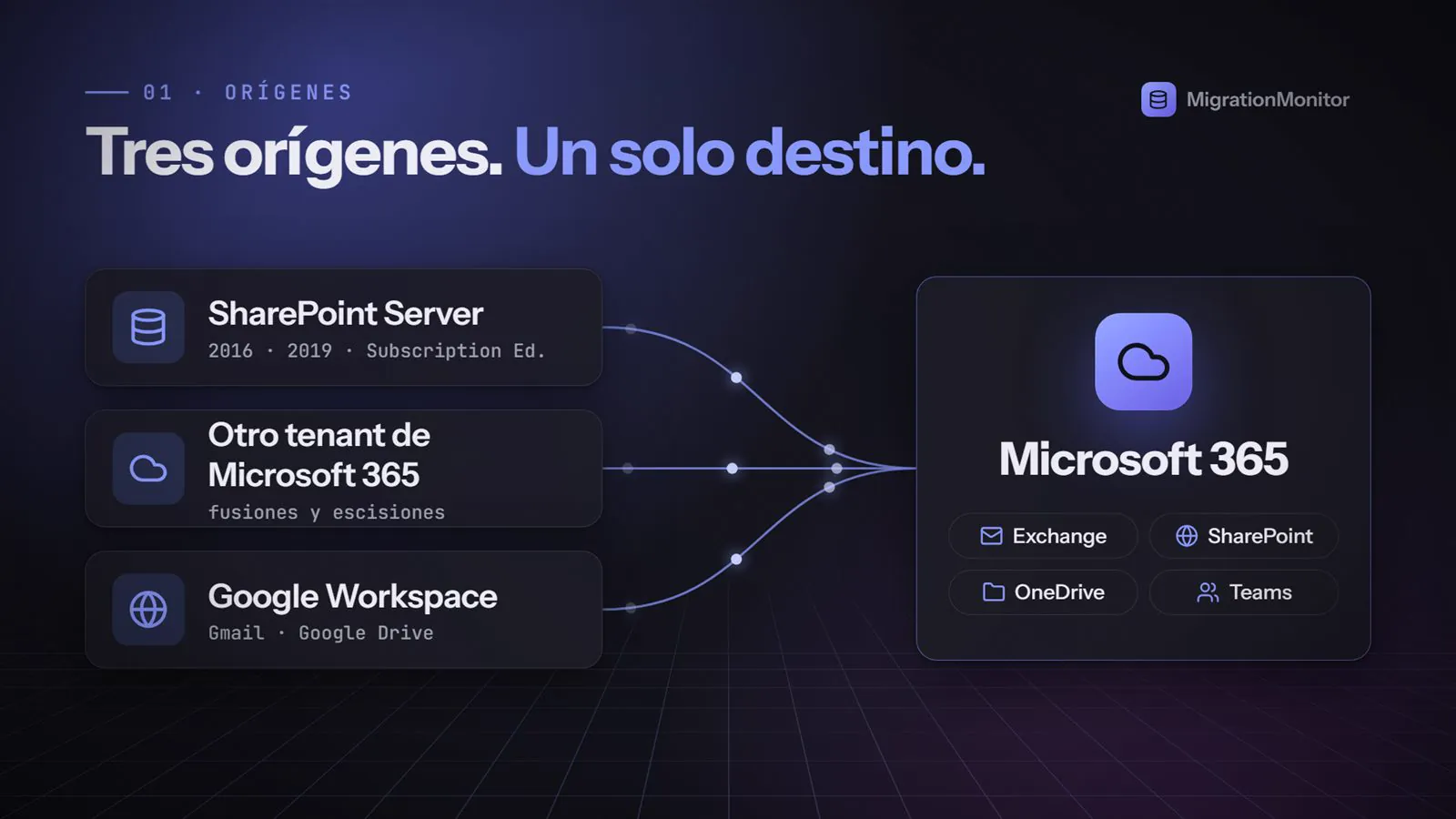
Google Workspace, SharePoint Server and another Microsoft 365 tenant
Migration Monitorat the source: your data is not changed while we migrate
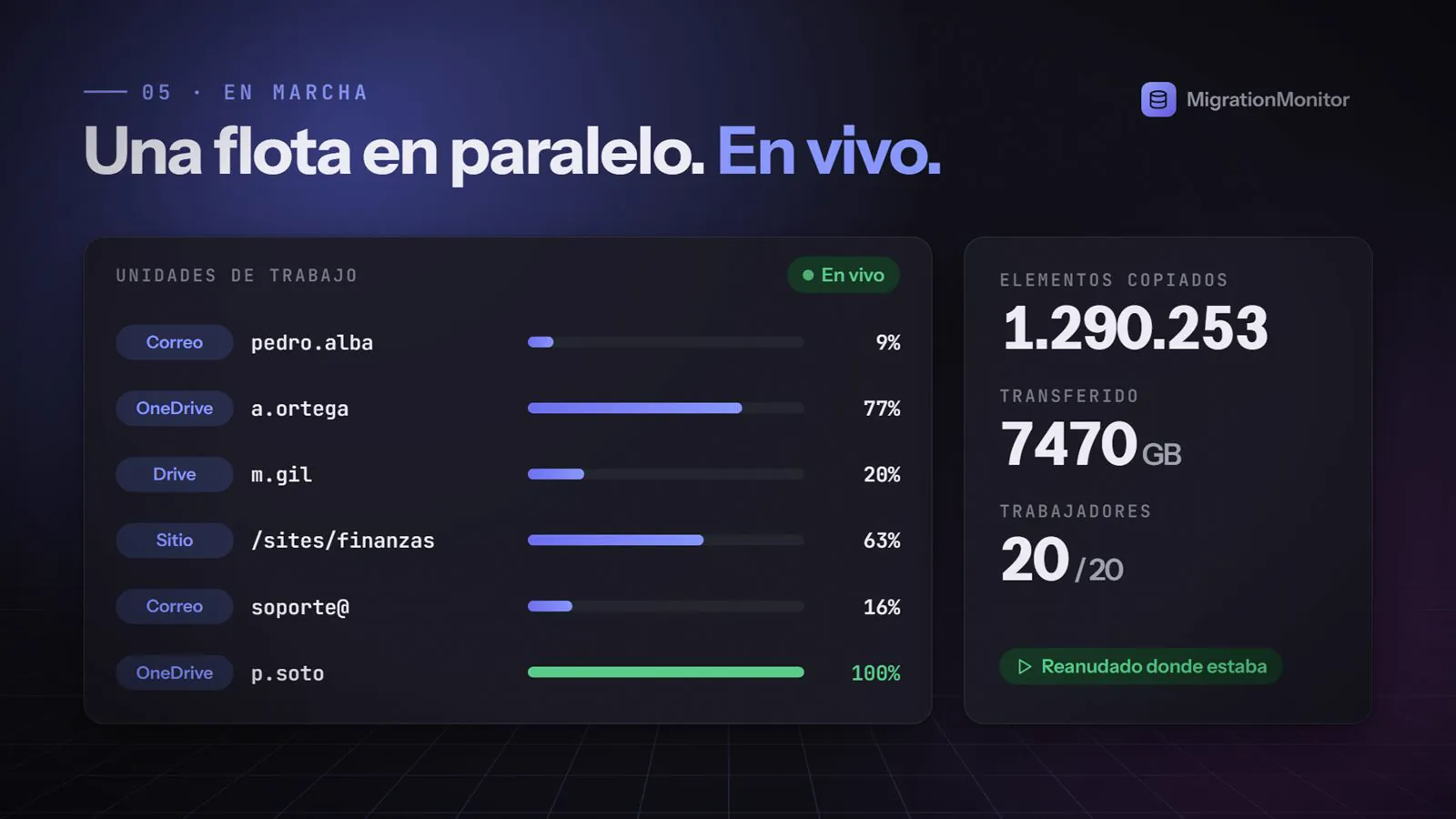
Migration Monitorprogress per work unit, in parallel and with resume
Migration MonitorBy source, with the destination for each type of data.

Users, mailboxes, drives, sites and permissions in an inventory you review before anything moves.
Every person in the source is matched and verified in Entra ID. If anyone is unresolved, the migration does not proceed.
We check that every mailbox and the domain are ready before cutover.
Several work units at once, with live progress and resume where it left off.
Cutover in an agreed window and per-user validation that everything arrived.
No. They keep working in the source, which Migration Monitor only reads, and the switch to Microsoft 365 happens in a cutover window agreed with you.
Migration Monitor resumes each work unit where it left off, without copying again what already arrived.
Yes, the destination needs its licenses. We quote the right plan for each team together with the migration.
It depends on volume and source. With the initial inventory we give you a dated plan before we start.
We start with an inventory of what you have and propose dates, order and licenses.


