




Graph API discovery
Licenses, subscriptions, capabilities, and gaps against Microsoft best practices, pulled from your live tenant.


 Microsoft PartnerLicensing, Azure and consulting in one place.
 LicensingBusiness, Enterprise (E) and Frontline (F) plans.
 SecurityEntra, Defender, Purview, Sentinel and Intune.
 CollaborationTeams, Teams Phone, rooms, SharePoint and Viva.
 Artificial intelligenceMicrosoft 365 Copilot, agents and Foundry.
 AzureMigration, landing zones, backup and costs.
 Migrations to Microsoft 365With Migration Monitor, from Google, SharePoint or another tenant.
 Google WorkspaceGoogle licensing, security and consulting.
 LicensingBusiness, Enterprise and Frontline with Gemini.
 SecurityVault, DLP, context-aware access and devices.
 Gemini and AIGemini in the apps, Gemini Notebook and agents.
 Migration and consultingMigrations with Migration Monitor and Gemini adoption.
 Deploy Monitor · M365 Security
We analyze your Microsoft 365 tenant and your Active Directory, and turn them into an audited design, ready to deploy.
 Entra ID
 Intune
 Defender
 Purview
 Conditional Access
 Security Baseline
 Sentinel
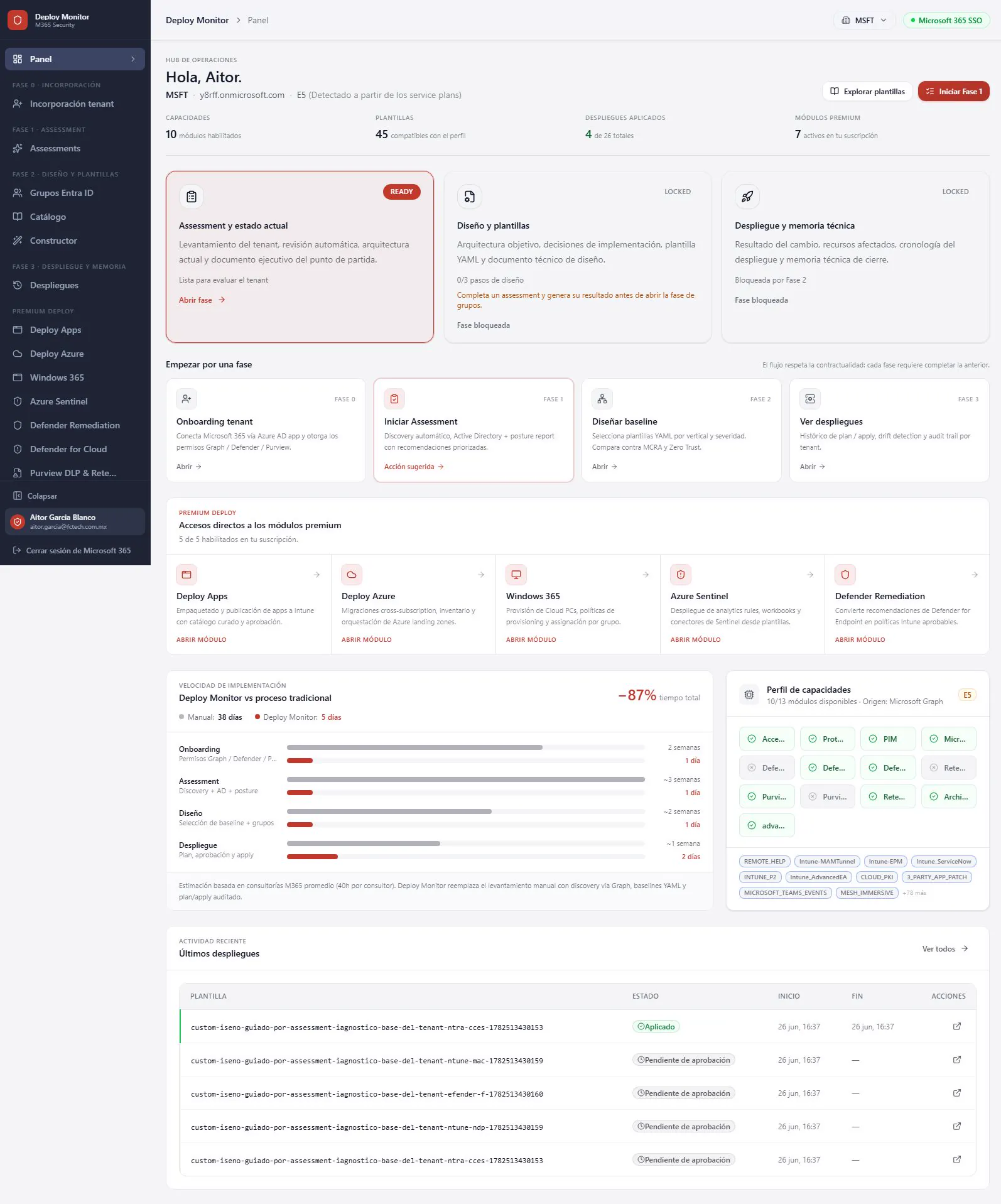
Assessment, design, and plan. Discovery through Graph, YAML baselines by industry, and audited plan/apply.
Licenses, subscriptions, capabilities, and gaps against Microsoft best practices, pulled from your live tenant.

GPOs, hybrid identity, operational exposure, and comparison against your configured security baseline.

A prioritized implementation roadmap, audited design, and controlled deployment.

Healthcare, finance, banking, education, retail, manufacturing, and government. A questionnaire turns each control bundle on or off.

Detects drift and versions every deployment. Nothing is applied without approval.

Creates the app registrations per tenant and requests admin consent in a single flow. Graph, Defender, and Purview permissions all at once.
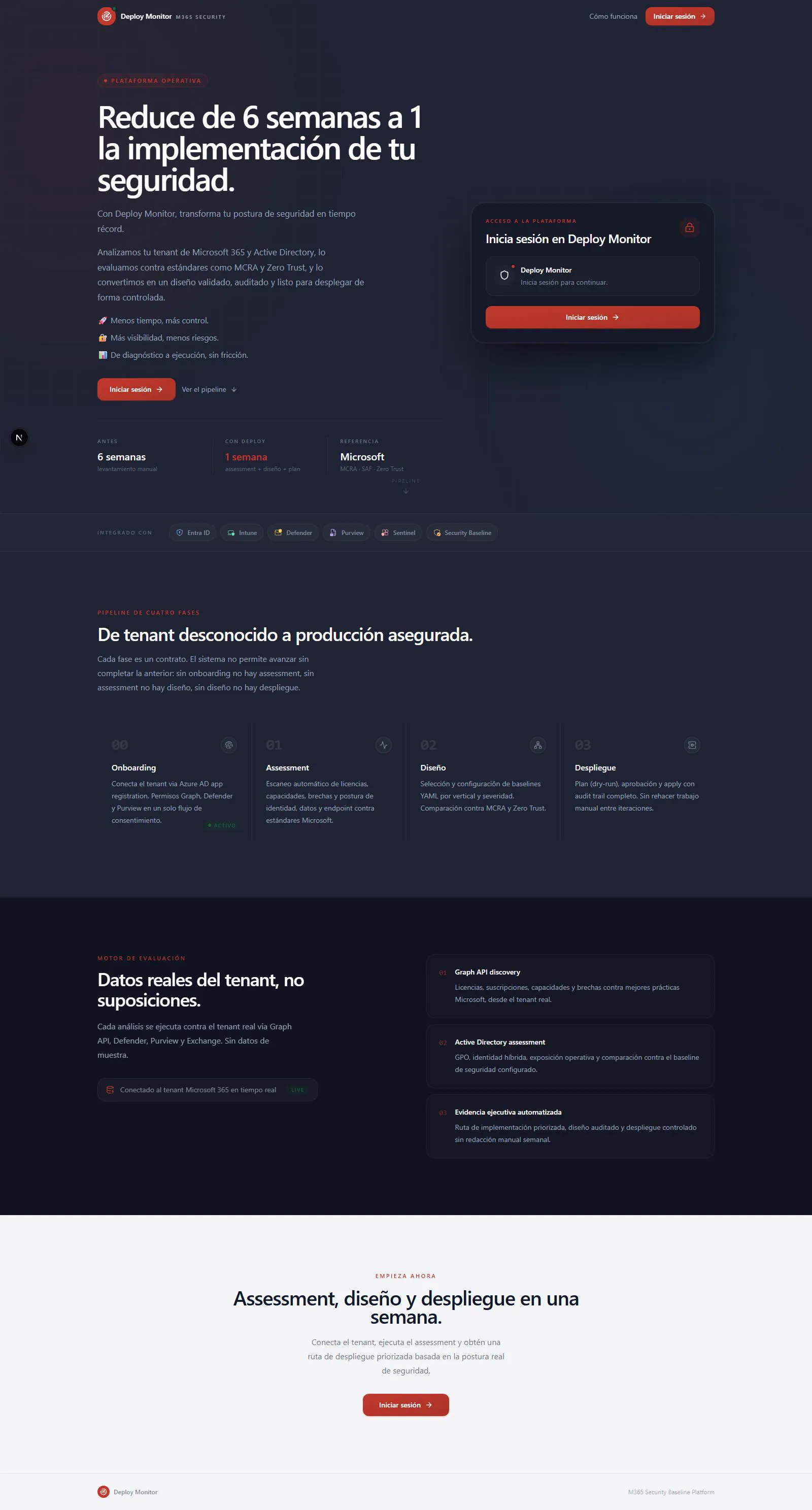
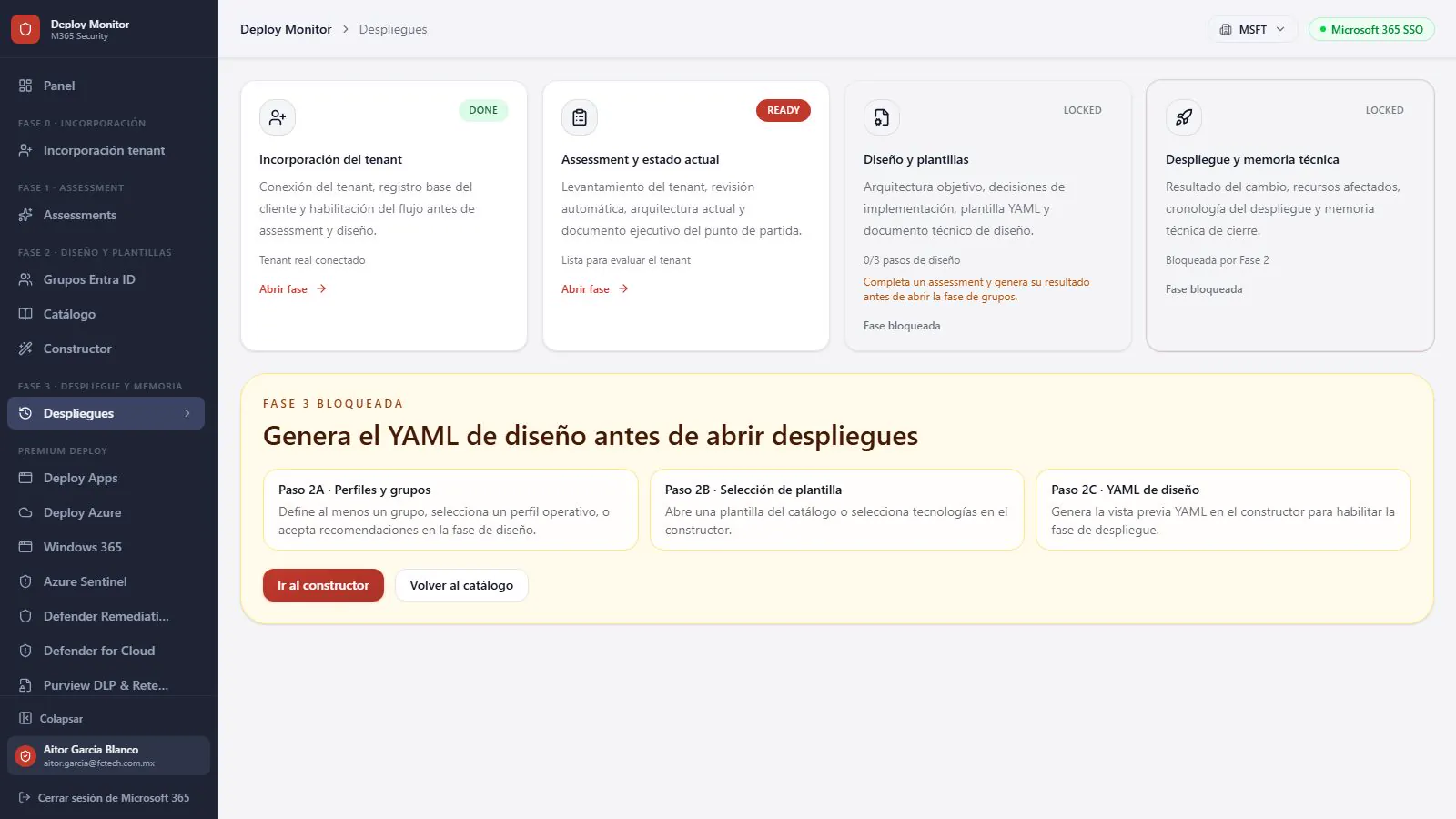
Connect the tenant through an Azure AD app registration. Graph, Defender, and Purview permissions in a single consent flow.
Automatic scan of licenses, capabilities, gaps, and identity, data, and endpoint posture against Microsoft standards.
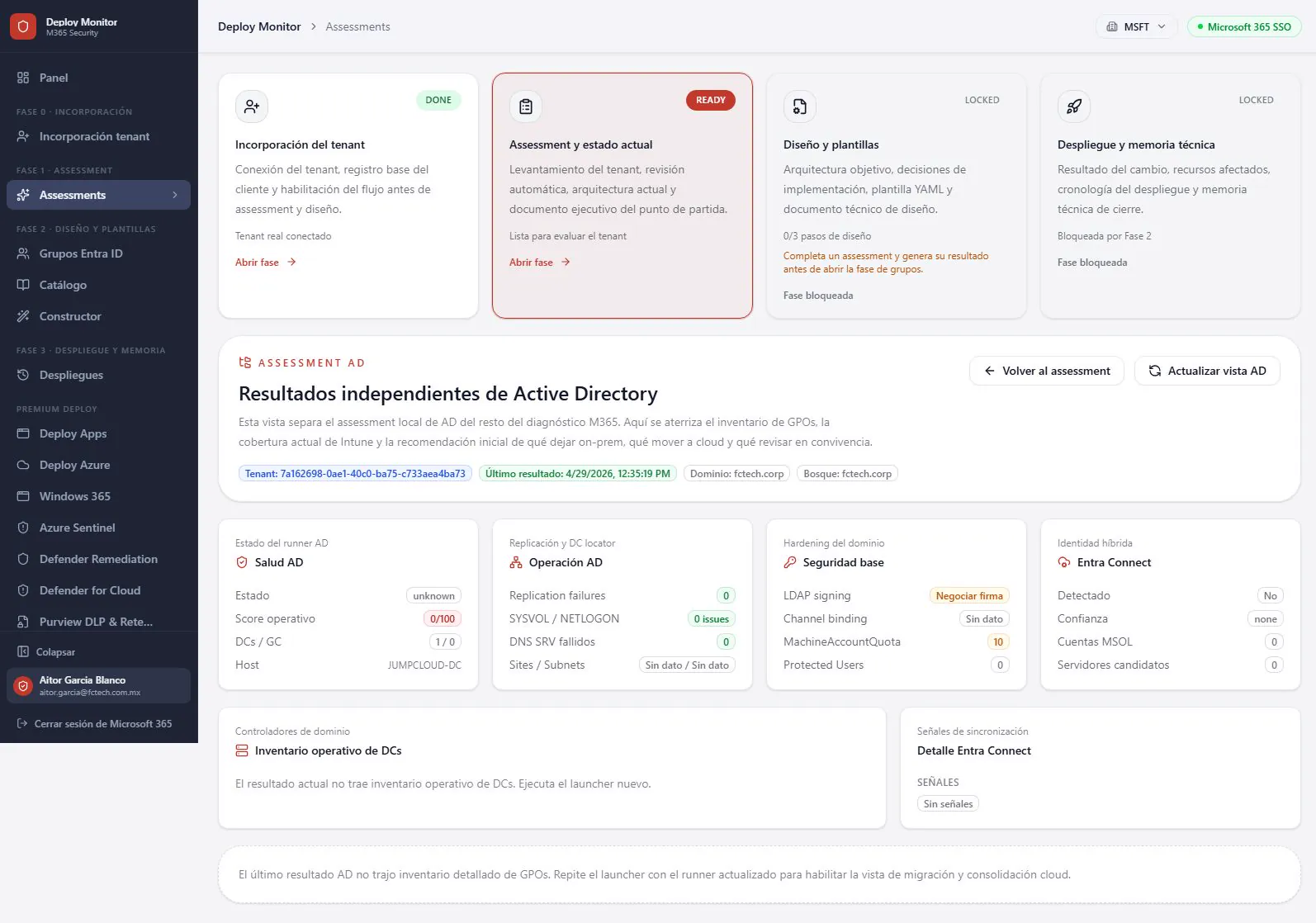
Select and configure YAML baselines by industry and severity. Compare against MCRA and Zero Trust.
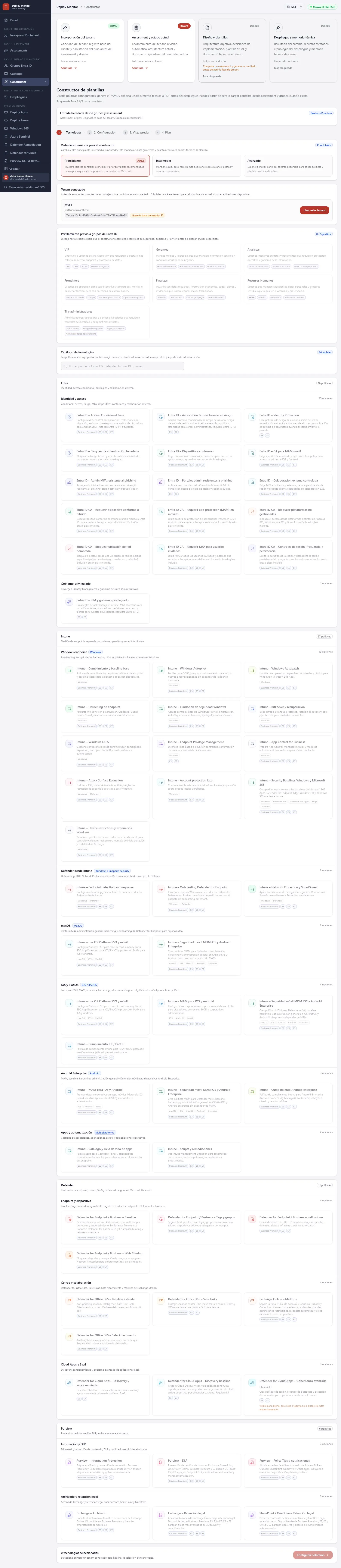
Dry-run plan, approval, and apply with a complete audit trail.
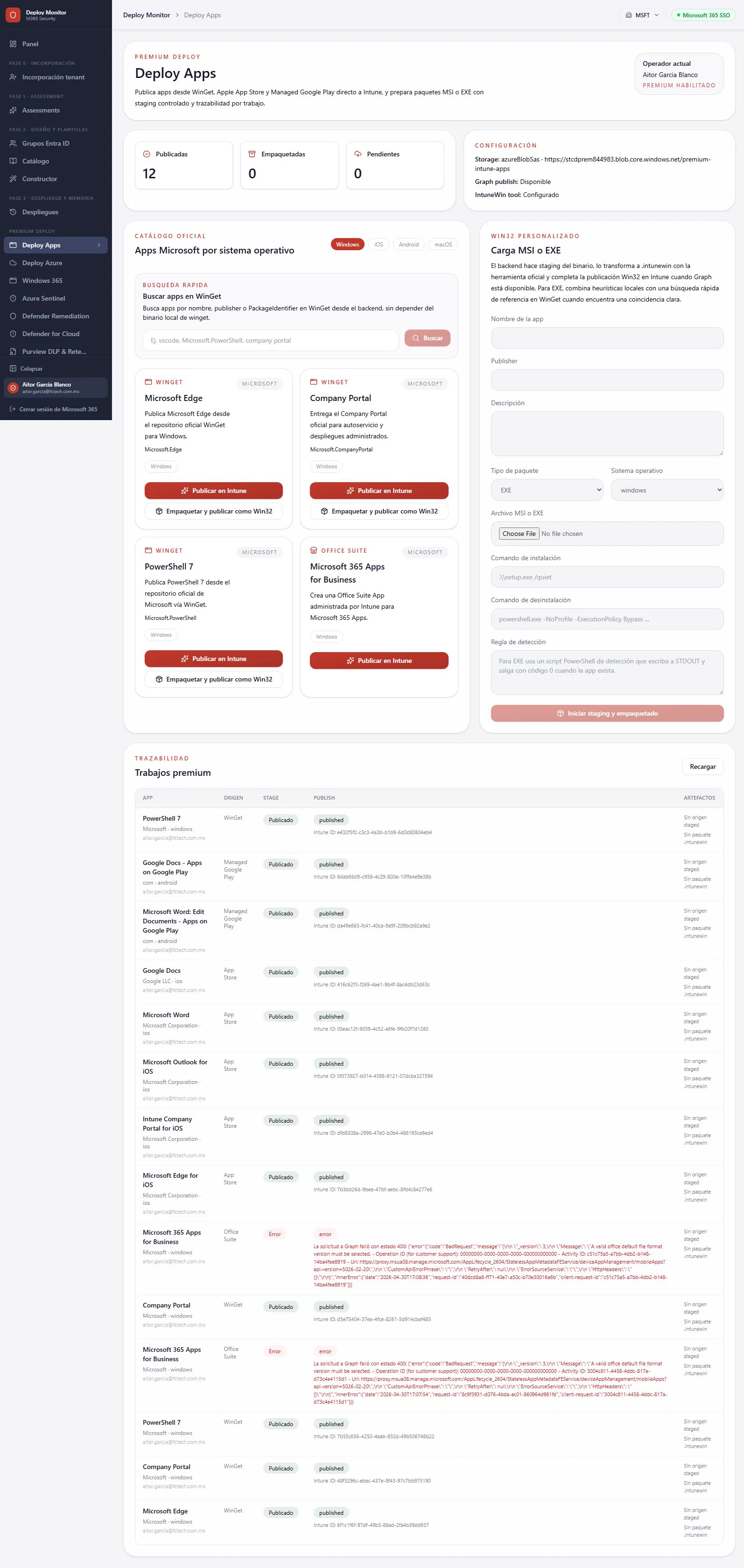
Packaging and publishing from a curated catalog.
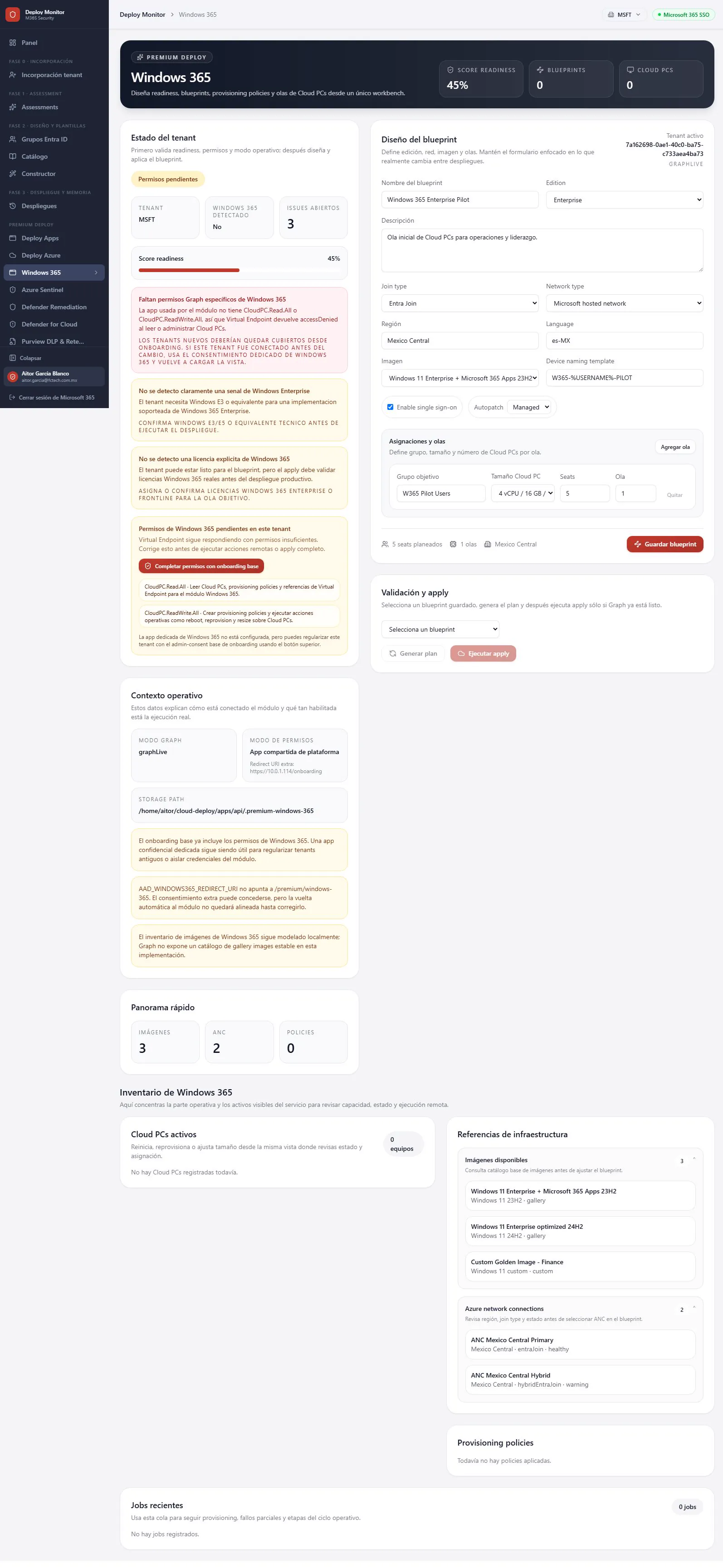
Provisioning policies and assignment by group.
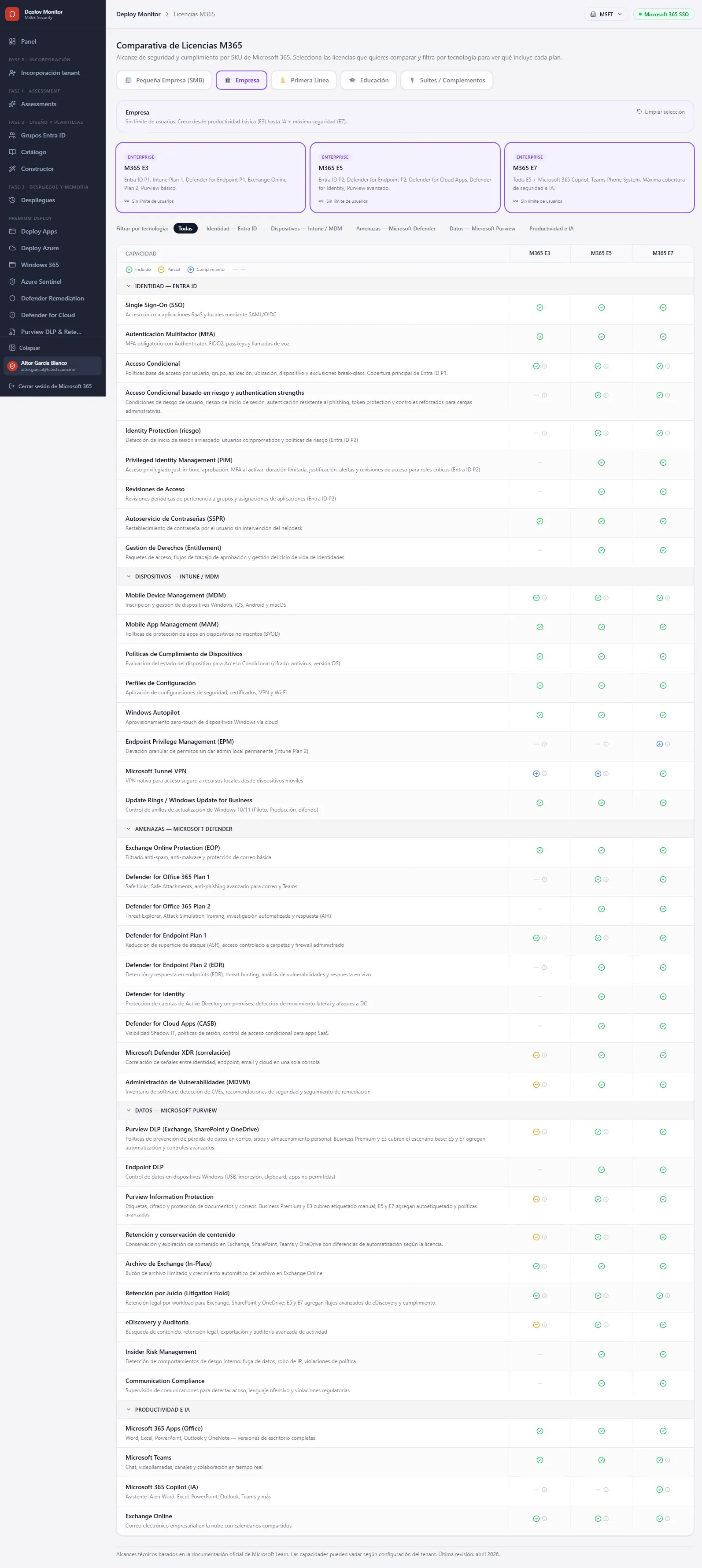
Detected service plans and enabled modules.
Inventory and orchestration of Azure landing zones.
Analytics rules, workbooks, and connectors ready to go.
Turns Defender for Endpoint recommendations into Intune policies ready for approval.
Against Microsoft references: MCRA, SAF, and Zero Trust, plus the security baseline you configure for your industry.
No. Every deployment goes through a dry-run plan, approval, and apply, with a complete audit trail and drift detection.
Onboarding creates the frontend and backend app registrations per tenant and requests admin consent in a single flow.
Yes. It assesses GPOs, hybrid identity, and operational exposure, and compares them against the configured baseline.
Healthcare, finance, banking, education, retail, manufacturing, and government, with control bundles you turn on from a questionnaire.
We will walk you through the assessment of your own tenant in one session.